Plan Your School Year on a Calendar
Calendar Planner
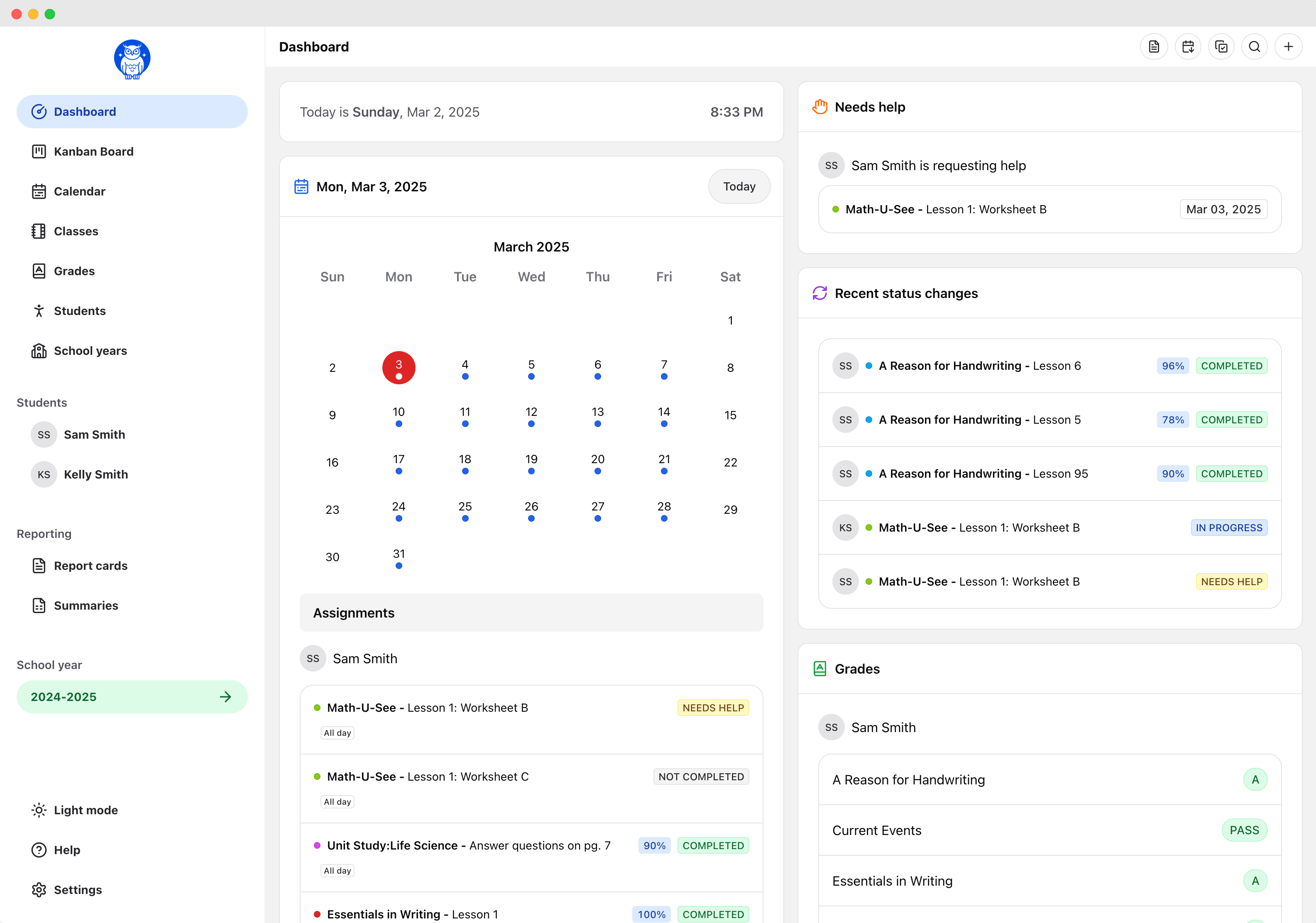
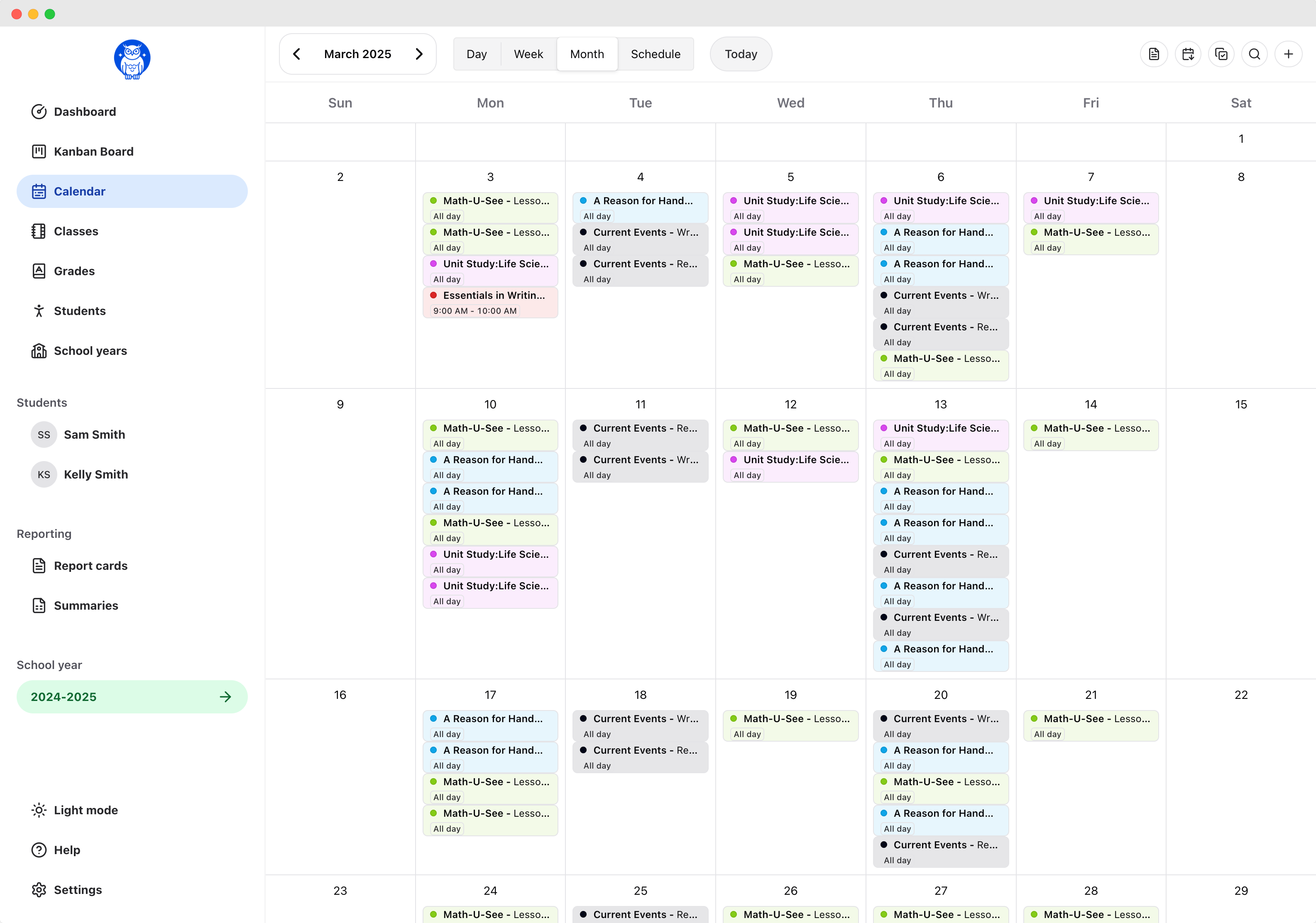
Schedule lessons and assignments on real dates. View your plan by day, week, month, or year, drag assignments to reschedule them, and automatically track attendance.
Prefer to plan without dates? Flex Planner organizes each class into one ordered list so students can work through assignments at their own pace.
Learn to plan. Plan to learn.
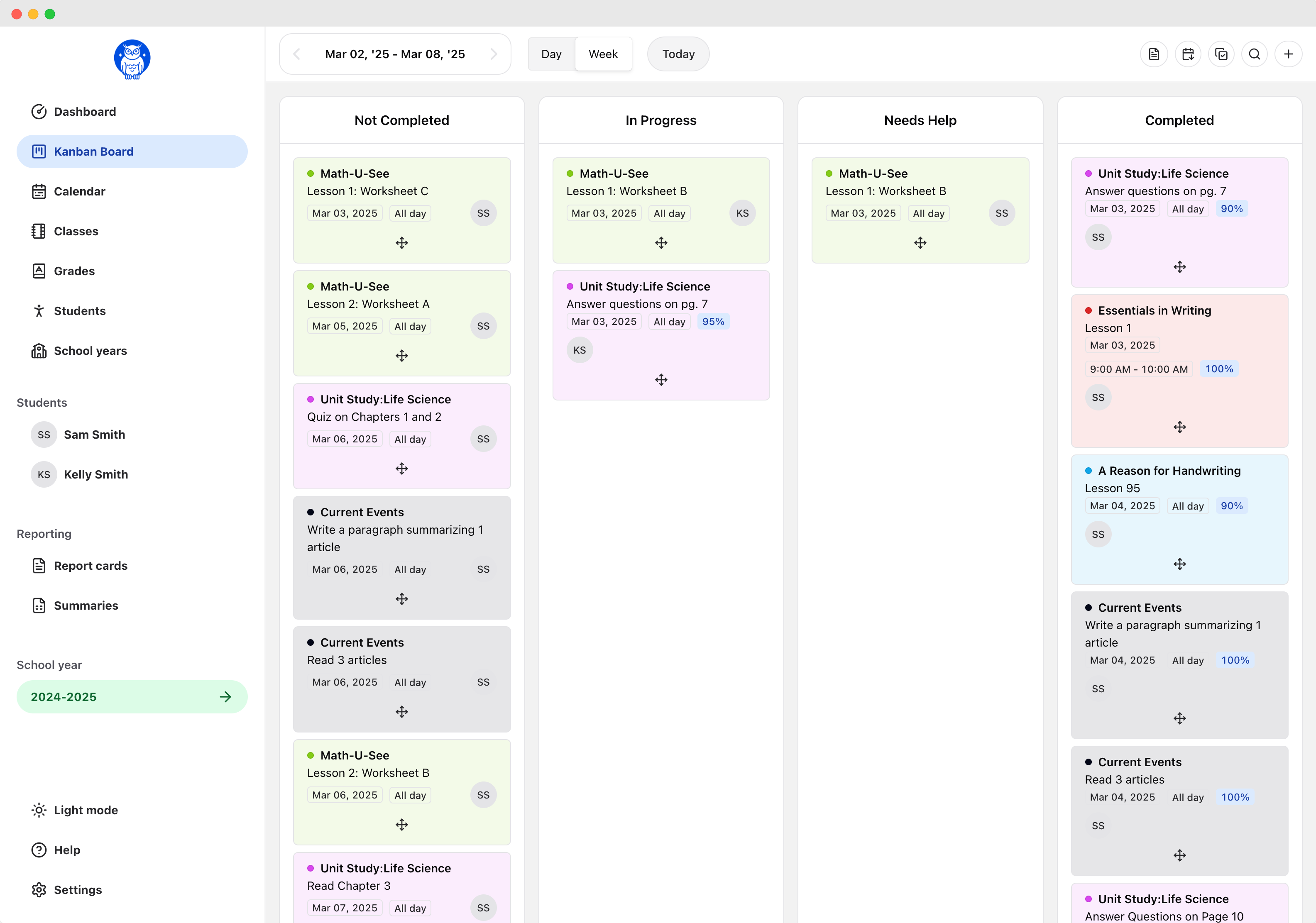
- Kanban Board.
- Effortlessly manage assignments by dragging and dropping them into the correct status.
- Calendar.
- See your entire school year at a glance with day, week, and month views. Print schedules as PDFs and sync calendars across Google, Apple, or iCal.
- Additional app for students.
- Students have read-only access to view or mark off assignments and review teacher feedback.
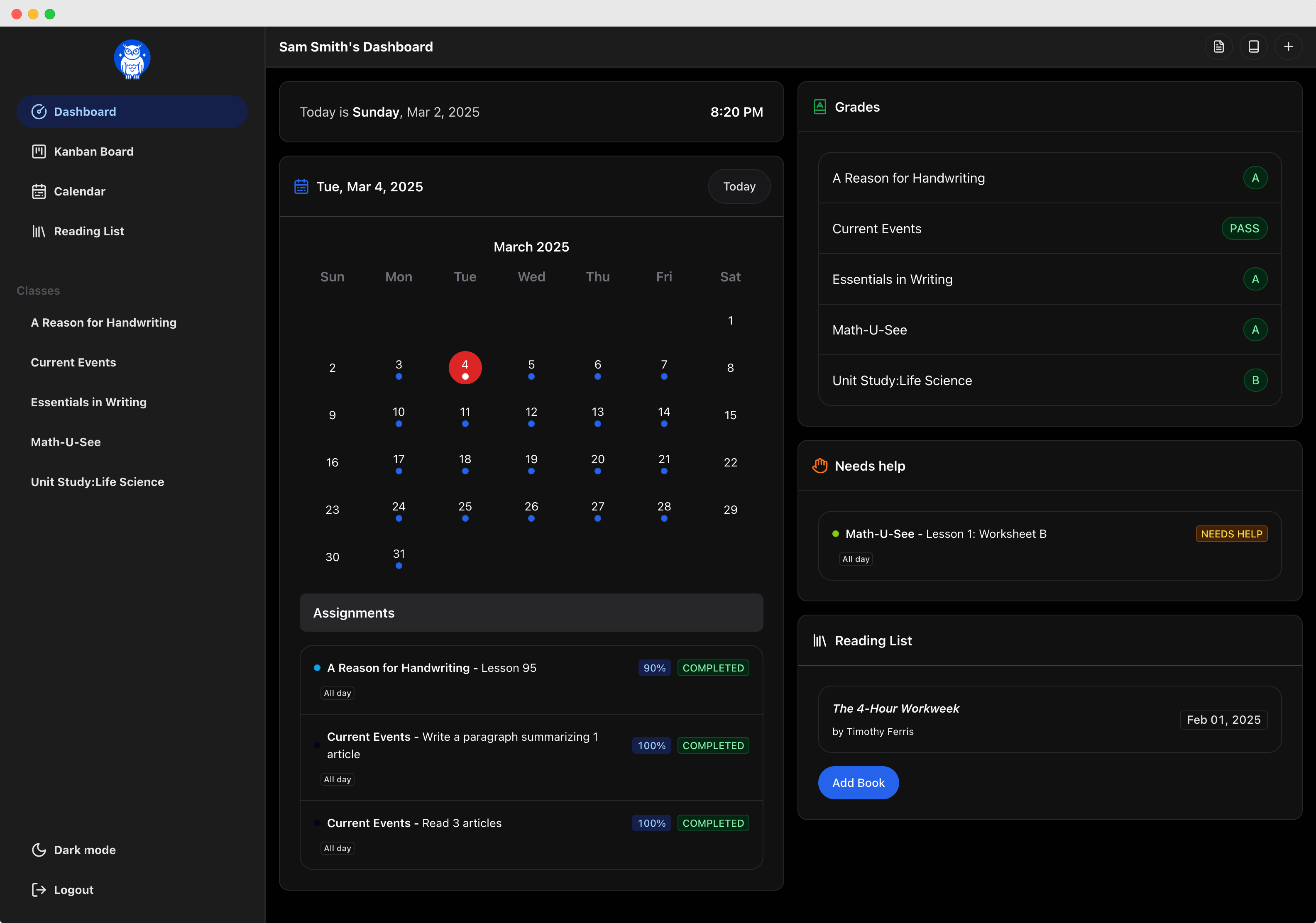
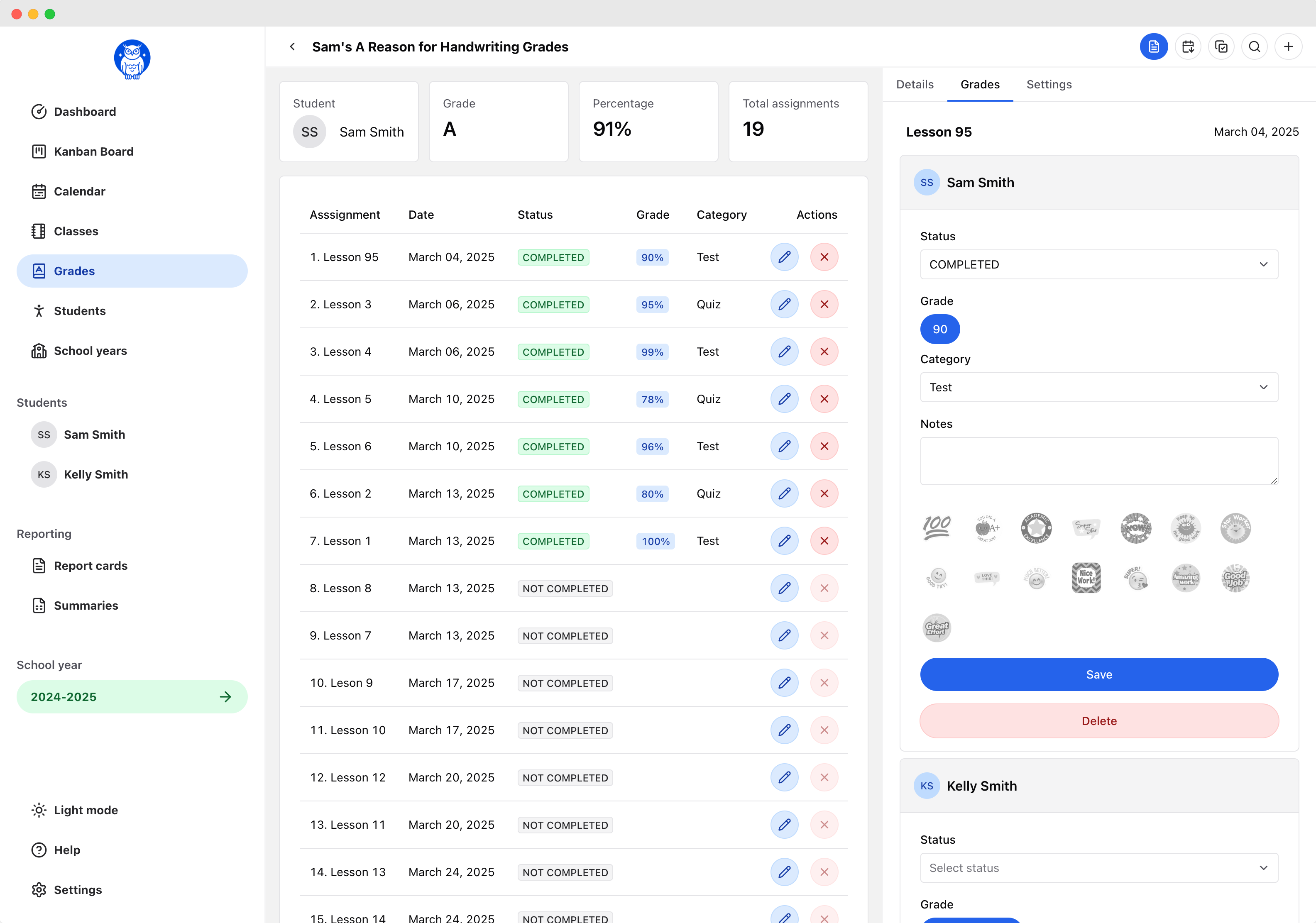
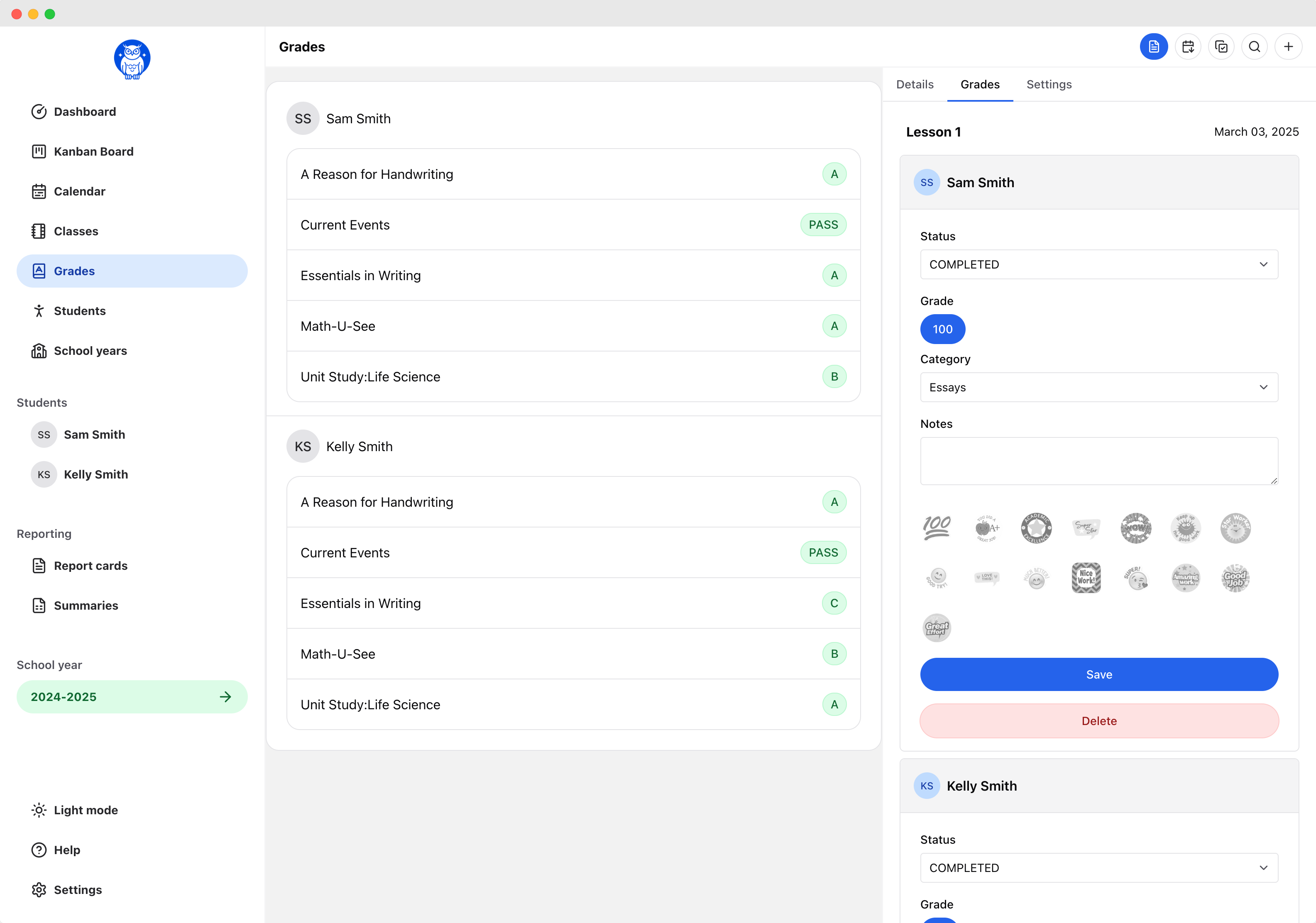
- Grade book.
- Select grading scales and view class averages.
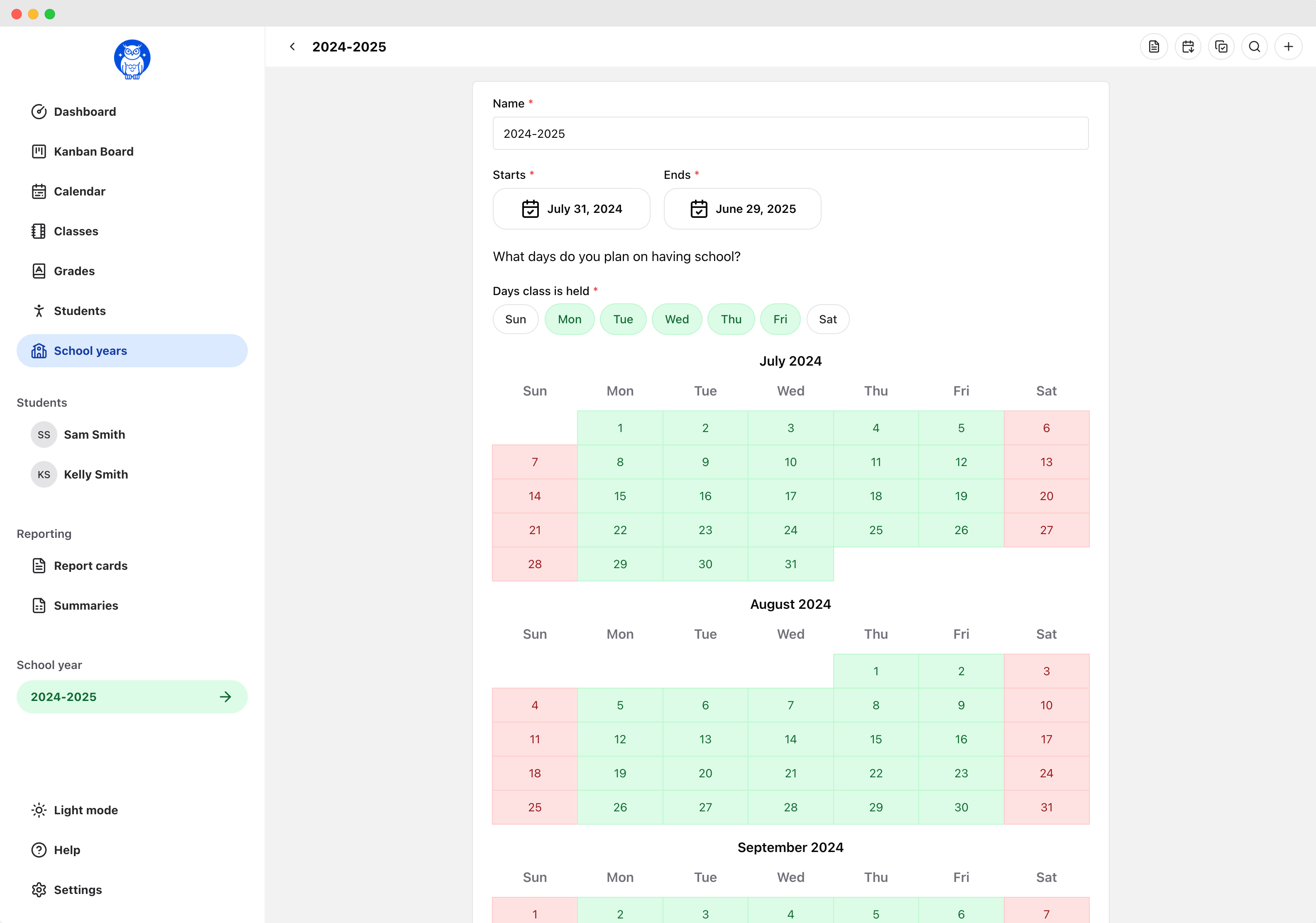
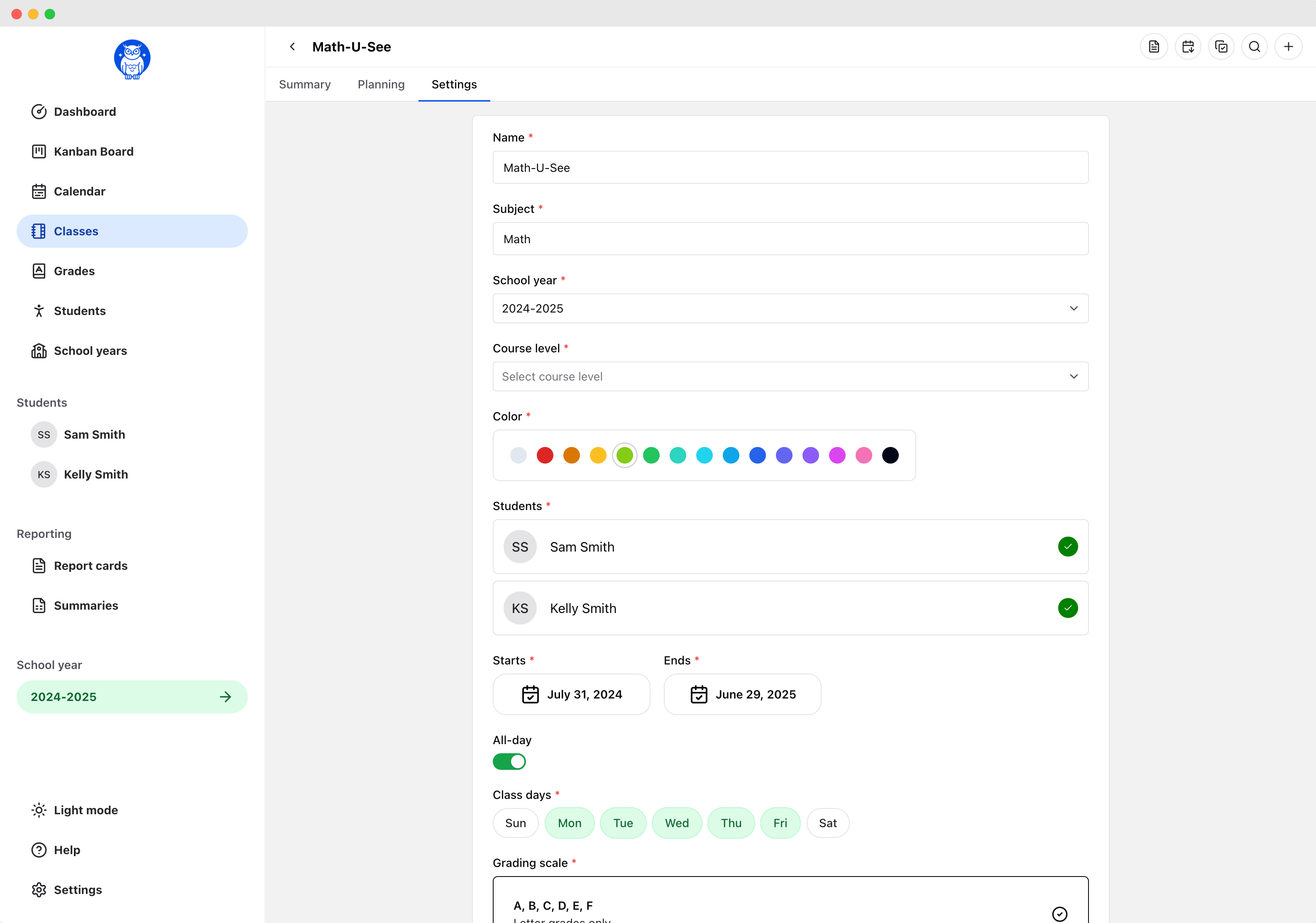
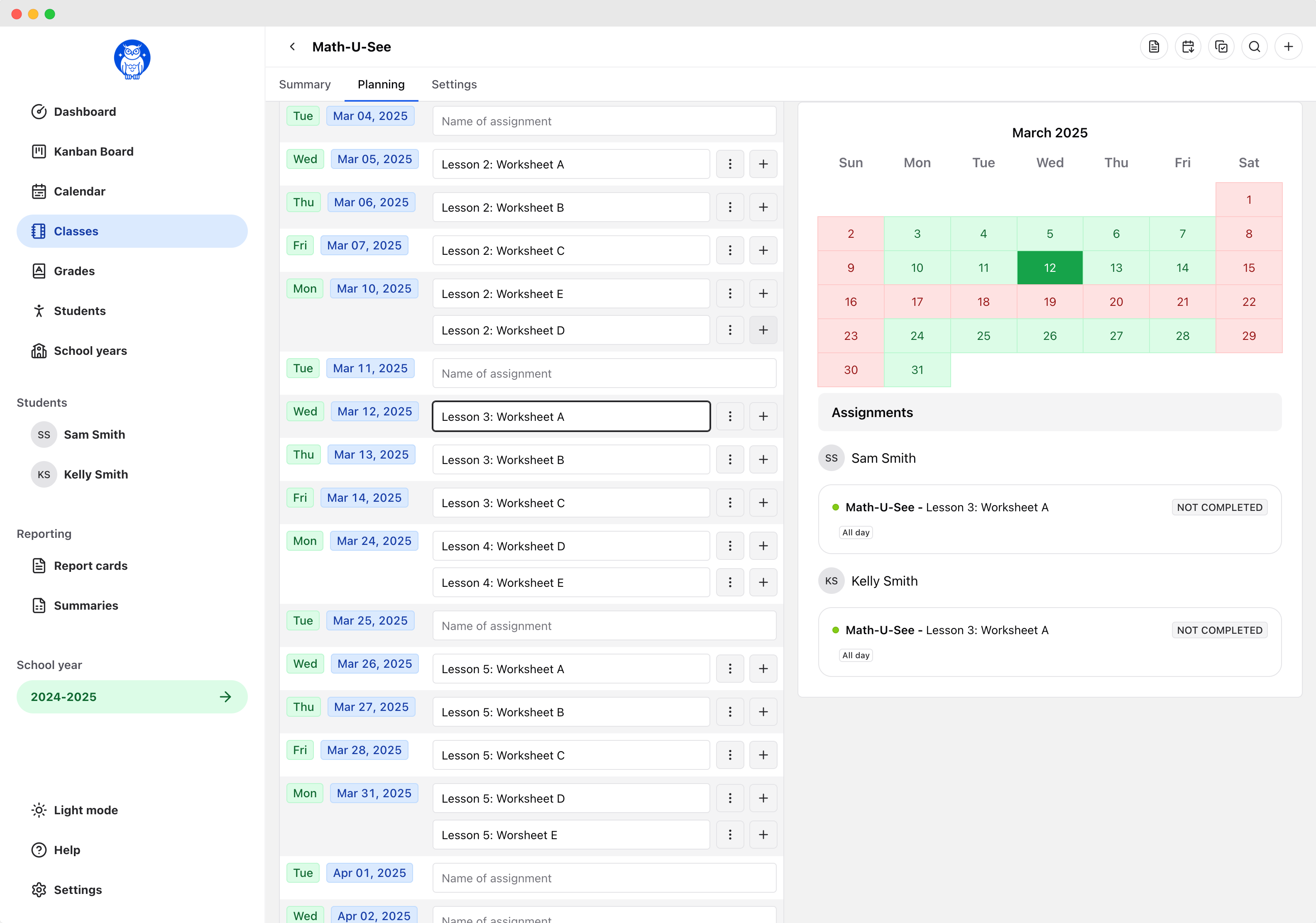
- Planning.
- Add color coded classes, assignments, field trips, co-ops, and events to your calendar.
- Feedback.
- Add comments, give stickers to keep your student motivated.
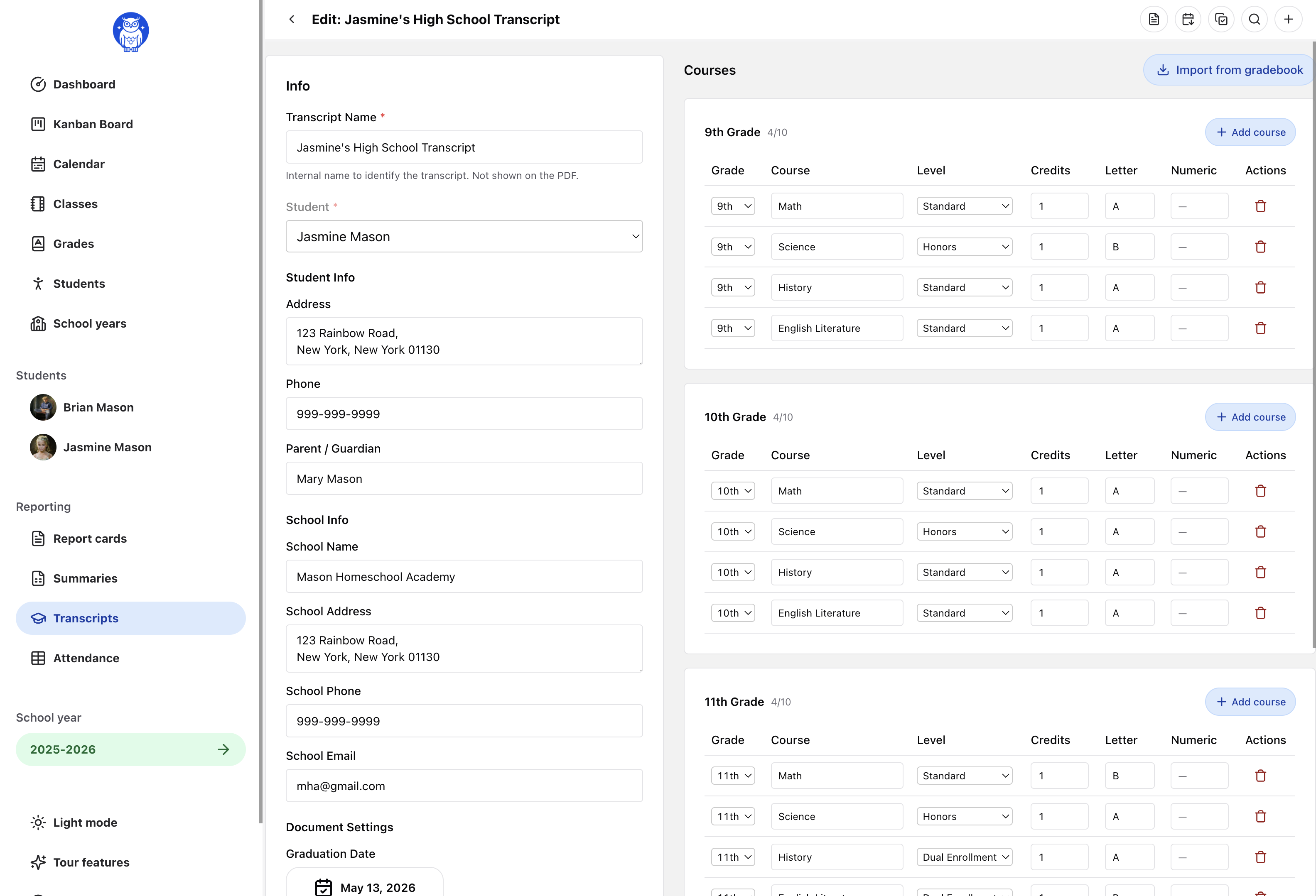
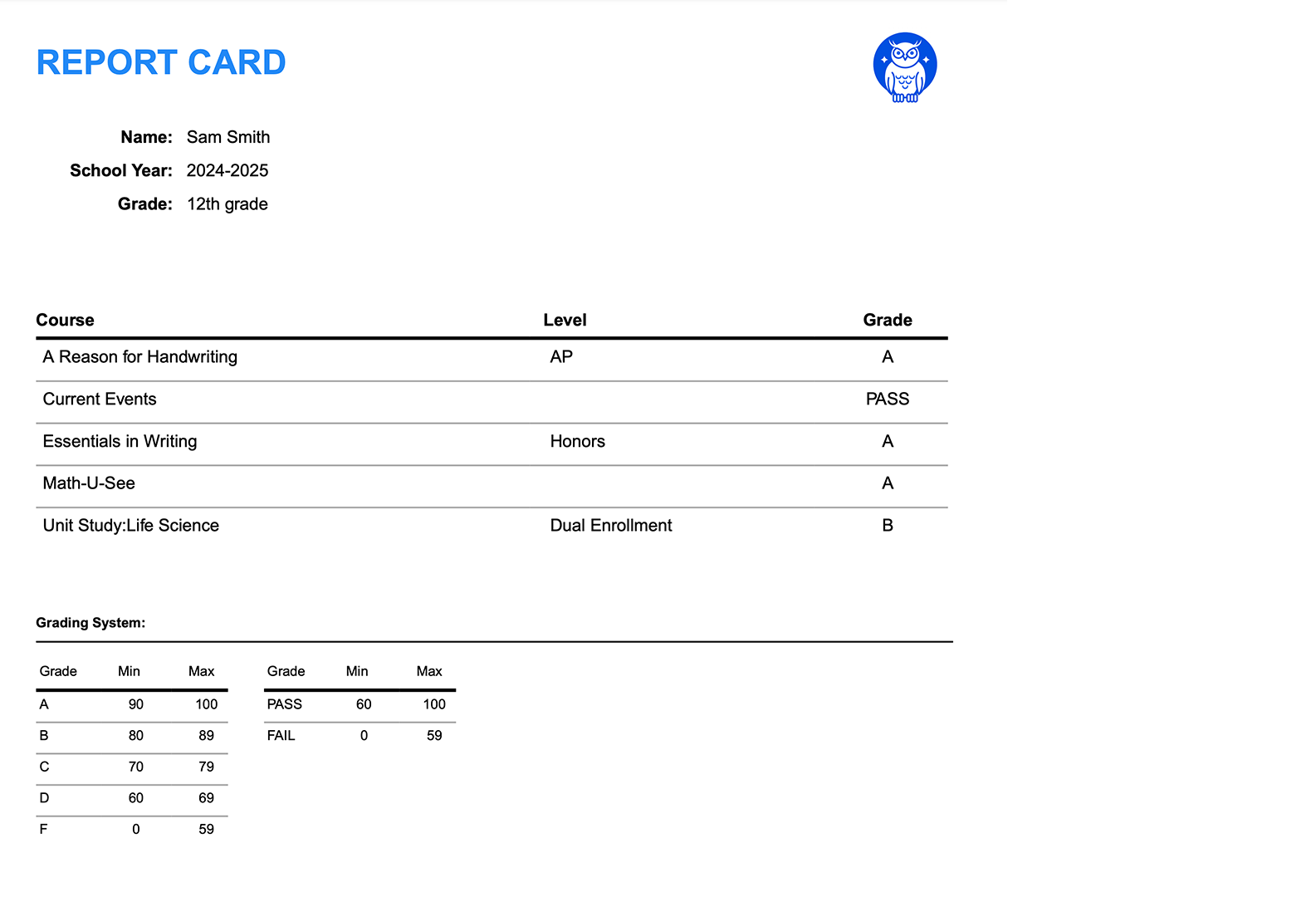
- Reporting.
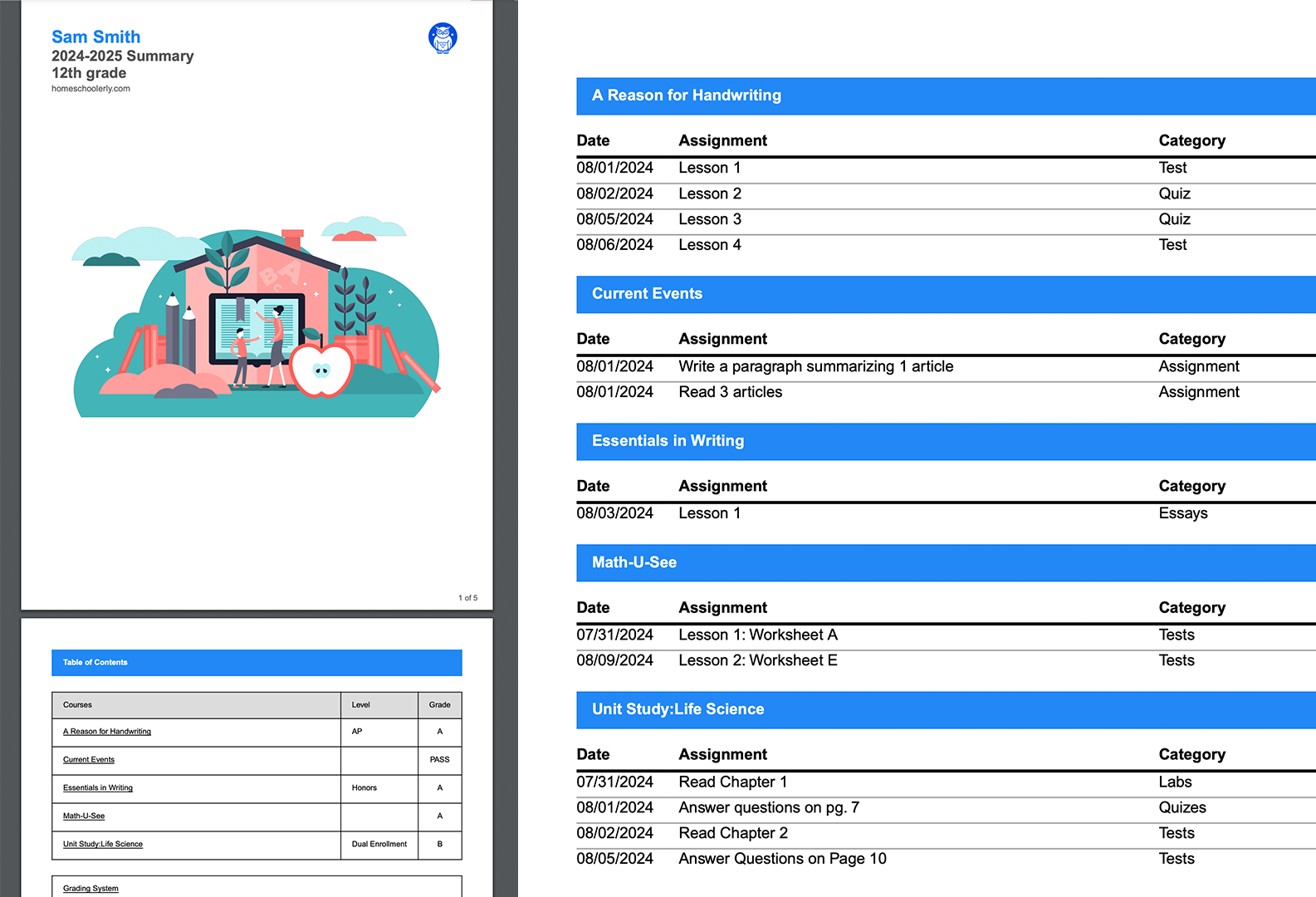
- Generate report cards and school year summaries as PDFs. Create high school transcripts manually or pull in information from your account.
- Bulk actions.
- Easily move assignments in your calendar.
- Sidebar.
- Quick access to to create anything, move anything, and view anything.
Set yourself up for success
Planning
Swipe left or right
Grading and monitoring
Tracking
Swipe left or right
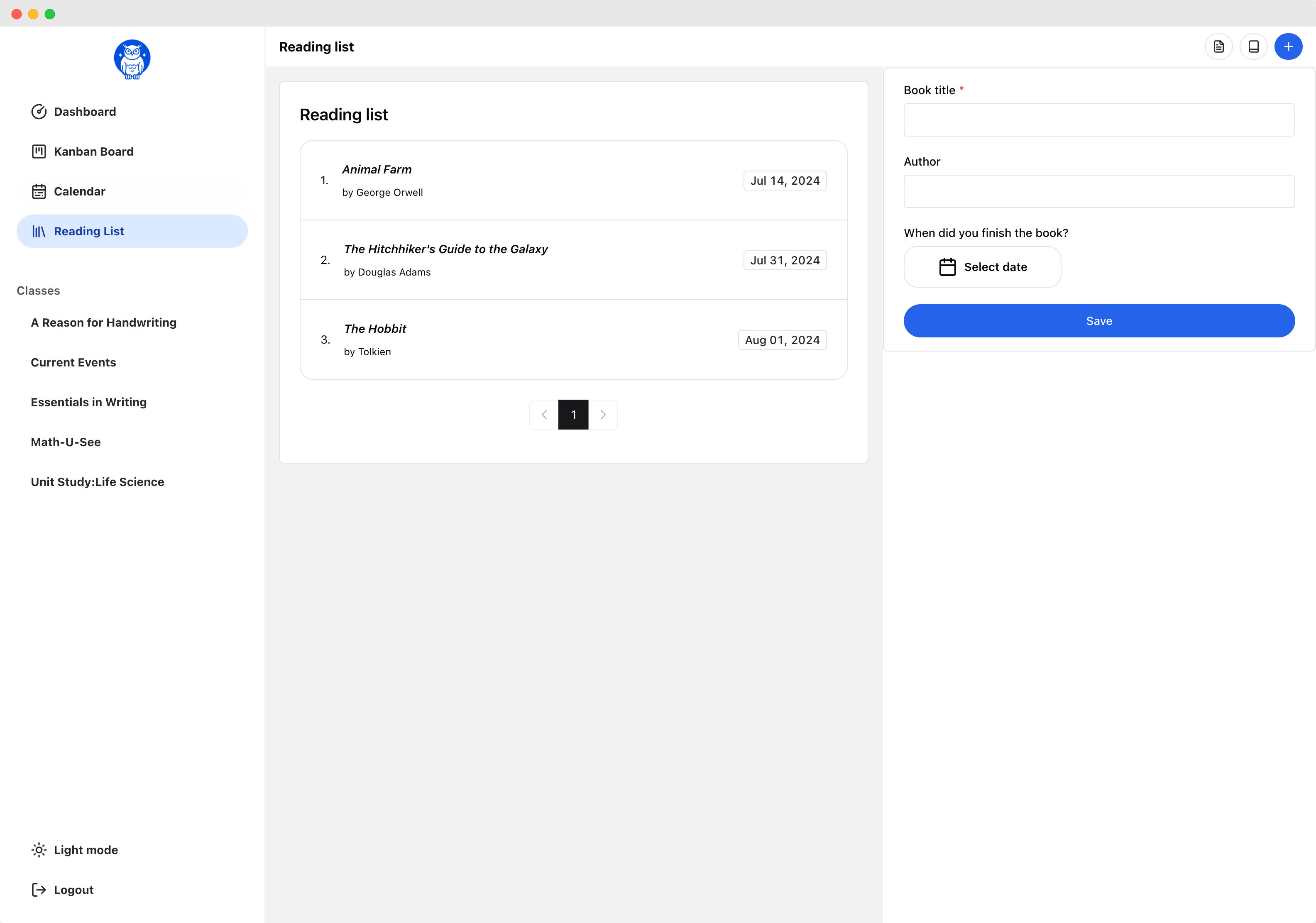
Export documents
Reporting
Swipe left or right
Flex Planner vs Calendar Planner
Same account, same price, same students. The difference is whether work sits on a date.
| Feature | Flex Planner | Calendar Planner |
|---|---|---|
| Ordered class lists | YesHow every class works | NoWork sits on dates instead |
| “Up Next” dashboard | YesWhat each student does next | NoThe calendar answers this |
| Calendar view | No | YesDay, week, month, and year |
| Kanban board | YesScoped by class | YesScoped by day or week |
| Drag to change order | YesYes | Yes |
| Google / Apple / iCal sync | No | Yes |
| Attendance | PartlyYou record days yourself | YesCounted automatically, with overrides |
| Grade book | Yes | Yes |
| Report cards & year summaries | Yes | Yes |
| High school transcripts | Yes | Yes |
| Student app | YesStudents work down their list | YesStudents see their schedule |
| Switch planner style at any time | YesYes | YesYes |
You are not locked in
Switch between Flex Planner and Calendar Planner anytime.
Start a school year one way and change it the other way in November. Or back again in February. There is no window you have to decide in, and nothing is lost when you do.
- Mid-year is fine
- Week one or week thirty. Switch a school year whenever it stops fitting the way you actually teach.
- Nothing is deleted
- Assignments, grades, progress, and records all come with you. Your work carries over either way.
- See it before you confirm
- We show you exactly what will change, and anything that needs a decision from you, before anything moves.
- Undo it right after
- Changed your mind again? Put the school year back exactly the way it was, down to every assignment date.
Each school year is set on its own, so switching one leaves your other school years exactly as they are.
Compare Flex Planner and Calendar PlannerJust need transcripts?
Homeschoolerly Transcripts
Skip the planner. Generate professional, college-ready high school transcripts for unlimited students — flat $49/year, no trial, no upsells.
- Unlimited students
- Default and formal templates
- GPA, credits, and grade scales
- Print-ready PDF downloads
- Flat $49/year — no trials, no upsells
- No planner, no clutter
Start using Homeschoolerly today.
Sign up is quick and easy. In just a few minutes, you will be on your way to building a better school year.